Consistent Character AI • Seedance 2.5
Keep the exact same character across every camera cut
Stop losing your character's face or outfit in the second shot. Save a character element once (@char_id), direct multi-angle scenes in Prompt Studio, and render consistent 1080p sequences.
Get 50 free credits at launch + early access.
No spam. One email when we open.
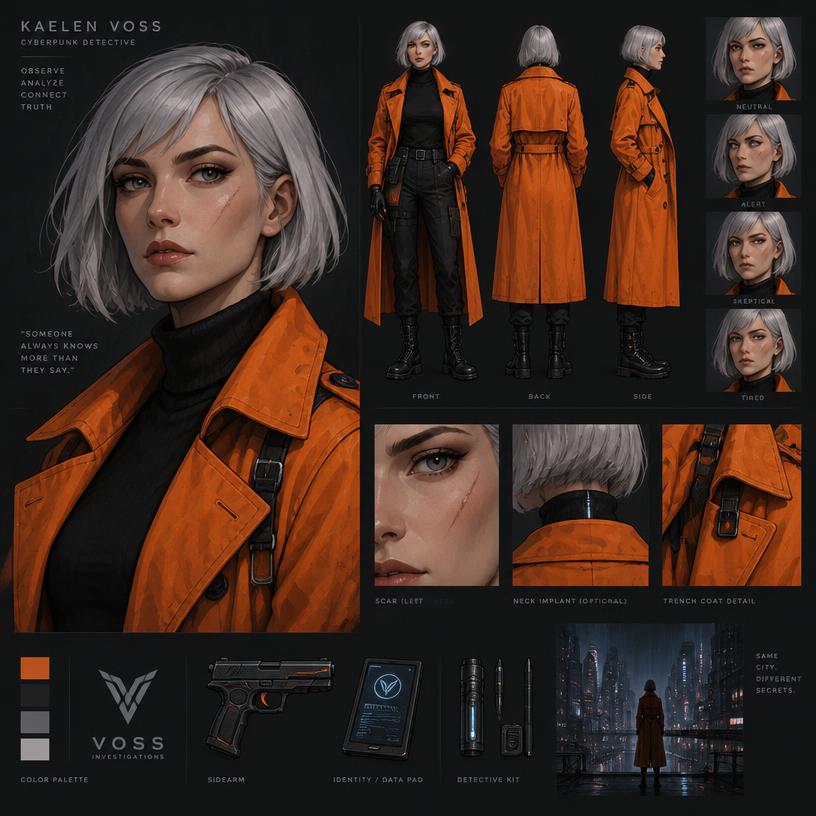
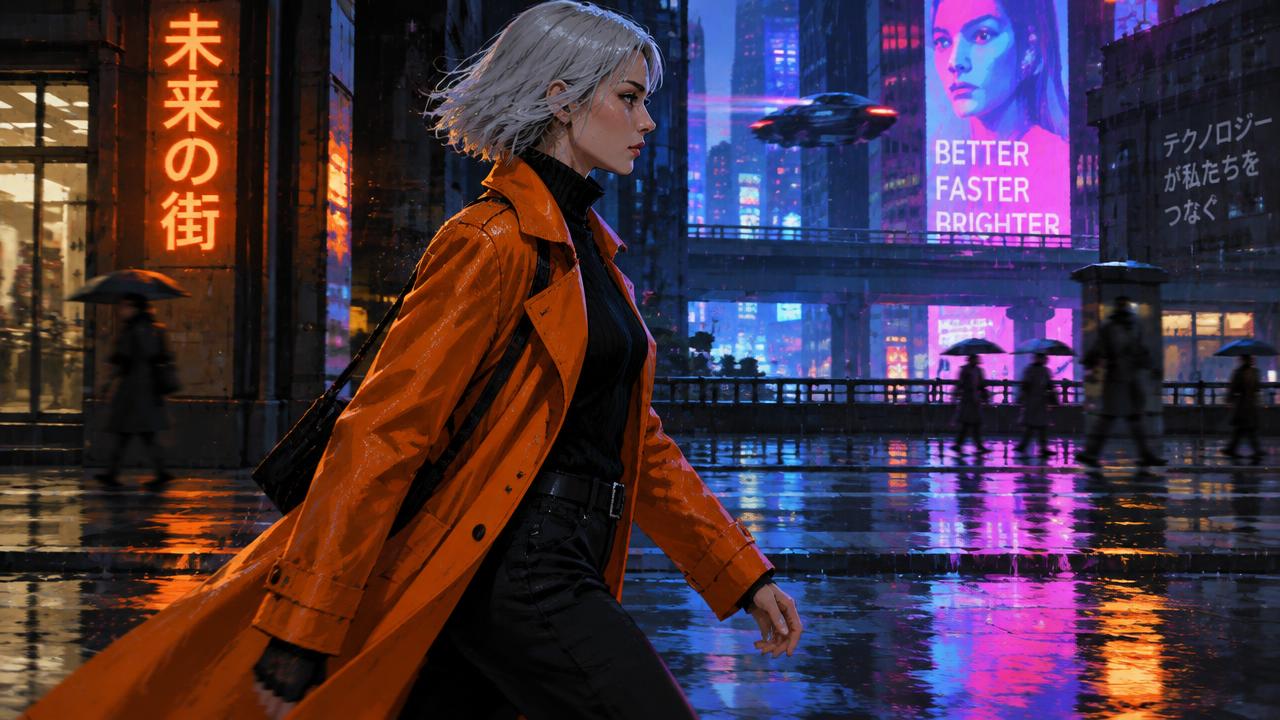
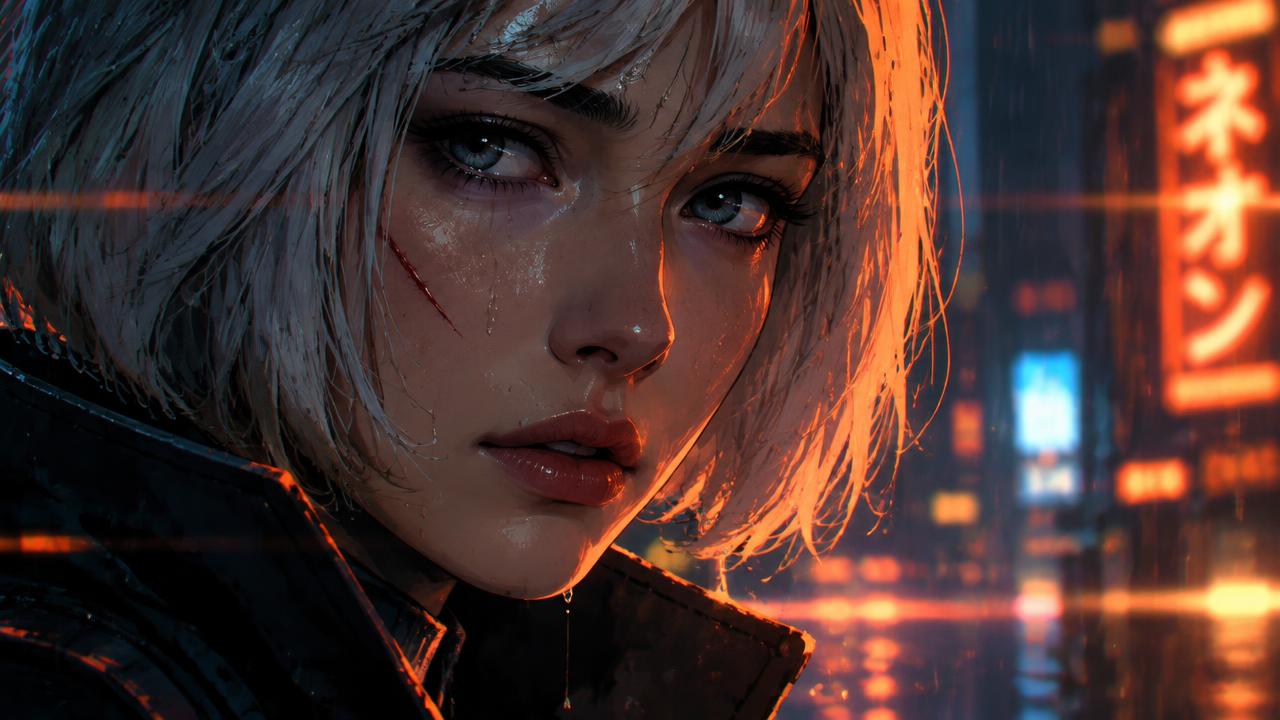
Same character, 3 camera angles
@char_hero_01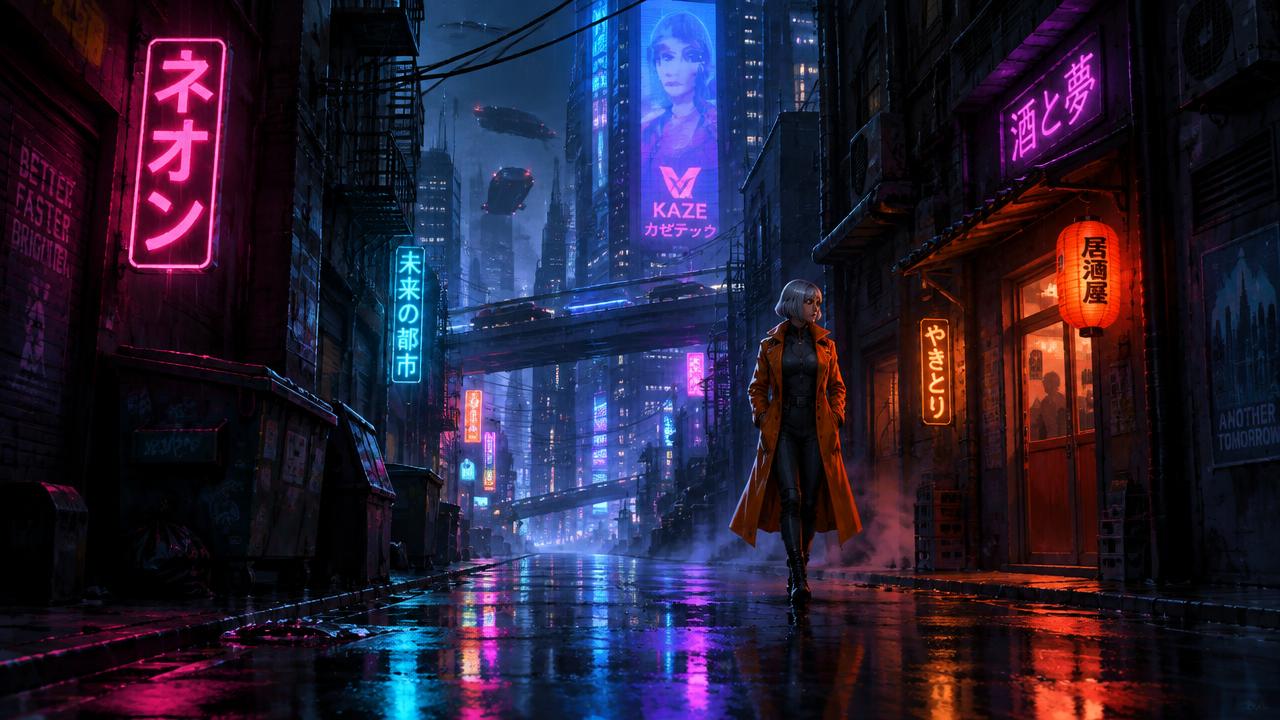
Bring your crew — earn up to 300 free credits
Join the waitlist for 50 free credits, then share your personal invite link. Every creator who joins with it unlocks more for you.
- InstantJoin Waitlist50 Free CreditsUnlocked at launchTotal: 50 credits
- 1 invite1 Creator Friend+25 Bonus CreditsTotal: 75 credits
- 3 invites3 Creator Friends+100 Bonus Credits + Early Beta PriorityTotal: 150 credits
- 5 invites5 Creator Friends+250 Bonus Credits (Starter Tier Value) + Exclusive Founder BadgeTotal: 300 credits
How character consistency works
01 · Save your character once
Upload a character sheet, render or illustration and name it, like @hero.
02 · Lock the identity
The reference carries face, hair and outfit, so you don't re-describe them in every prompt.
03 · Direct multi-angle shots
In Director, describe the scene and get a shot-by-shot prompt with wide, medium and close-up cuts.
04 · Render in 1080p
Draft cheaply in 480p, then turn the shots you like into consistent 1080p video with Seedance 2.5.
Questions
- How do I keep a character consistent in AI video?
- Save your character once as a reference element with a name like @hero. Every shot you direct uses that same reference, so the face, hair and outfit stay the same from cut to cut.
- Can I use my own 3D render or character sheet as a reference?
- Yes. Upload a 3D render, an illustration or a character sheet. Stylized and illustrated characters work best; photos of real people can't be used as references.
- Does the outfit stay the same in different lighting?
- Yes. The reference carries the outfit and colors, and the prompt locks them in every shot, so a neon alley or a sunny street changes the light, not the costume.
- How many free credits do I get at launch?
- Join the waitlist and you get 50 free credits at launch. Invite friends with your personal link to earn up to 300 credits in total.
Lock your character. Render every angle.
Join the waitlist and get 50 free credits at launch. Image to video AI